
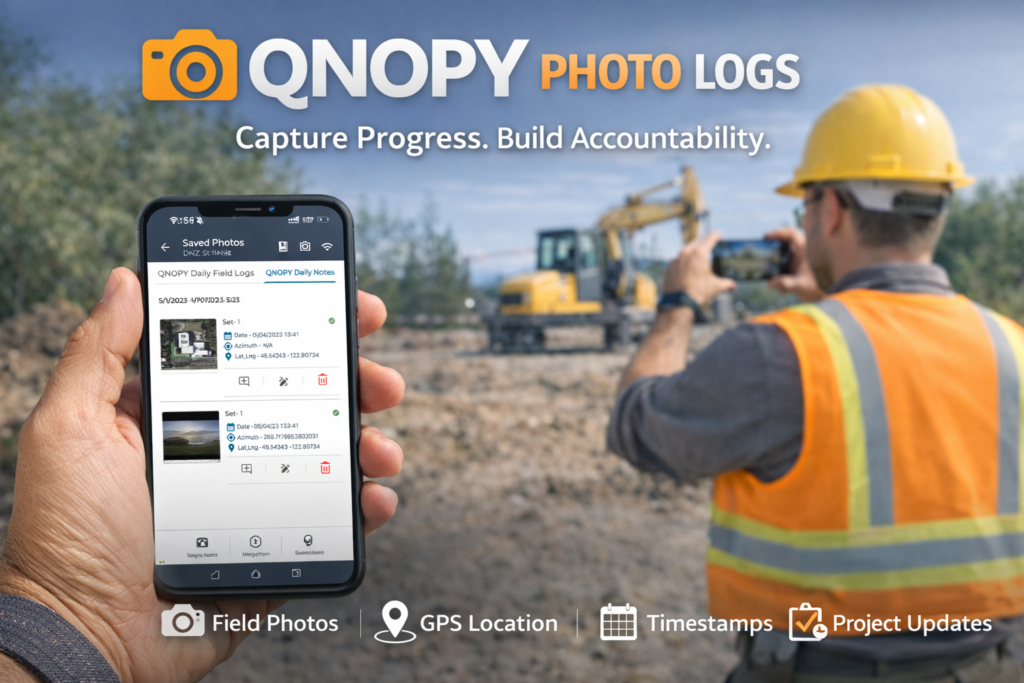
In field operations, progress often happens far away from dashboards and spreadsheets. Whether it’s infrastructure builds, equipment installations, maintenance work, or compliance inspections, the real story of progress happens on the ground.
But documenting that progress is often messy.
Photos get scattered across phones, lost in messaging apps, or buried in shared drives. Context disappears. Accountability becomes difficult. And teams spend unnecessary time chasing updates.
QNOPY Photo Logs changes that.
What Are Photo Logs?
Photo Logs in QNOPY allow teams to document work visually in a structured, organized, and searchable way.
Instead of random images floating across chats and folders, every photo becomes part of a clear, trackable workflow.
Each photo log entry can include:
- 📸 Photos captured directly from the field
- 📍 Location context
- 🕒 Timestamps
- 📝 Notes and descriptions
- 👷 Associated tasks, assets, or projects
The result is a visual timeline of work progress that everyone can trust.
Why Photo Documentation Matters
Photos provide something that written updates often can’t: proof and clarity.
A well-documented photo log can help teams:
- Verify work completion
- Track construction or installation progress
- Provide evidence for compliance and audits
- Reduce disputes between stakeholders
- Improve transparency across teams
With QNOPY, photo documentation becomes part of your operational system—not an afterthought.
Built for Field Teams
QNOPY Photo Logs are designed for teams working outside the office.
That means:
- Fast photo capture on mobile devices
- Minimal steps to log updates
- Automatic organization within projects or tasks
- Easy sharing with managers and stakeholders
Field teams can focus on getting work done while still keeping everyone informed.
A Clear Timeline of Progress
Over time, Photo Logs create a visual history of your operations.
Managers and stakeholders can quickly review:
- What was completed
- When it was completed
- Where the work happened
- What the site looked like at each stage
Instead of digging through chats or emails, teams get a structured timeline of visual progress.
Improve Accountability Without Extra Work
Photo Logs bring transparency without creating more reporting overhead.
Workers simply capture photos while doing their job. QNOPY organizes everything automatically.
That means:
- Less manual reporting
- Fewer status update meetings
- Clear documentation when it matters
Everyone stays aligned with minimal effort.
Turn Field Activity Into Reliable Records
Every organization doing field work already takes photos. The problem isn’t capturing images — it’s managing them.
QNOPY Photo Logs turn everyday photos into reliable operational records.
So instead of scattered evidence, you get:
- Structured documentation
- Clear timelines
- Stronger accountability
- Better visibility across teams
Export Photo Logs in Flexible Formats
Capturing photos in the field is only part of the workflow. Teams often need to share progress reports, submit documentation, or archive work records.
QNOPY Photo Logs makes this easy with flexible export options.
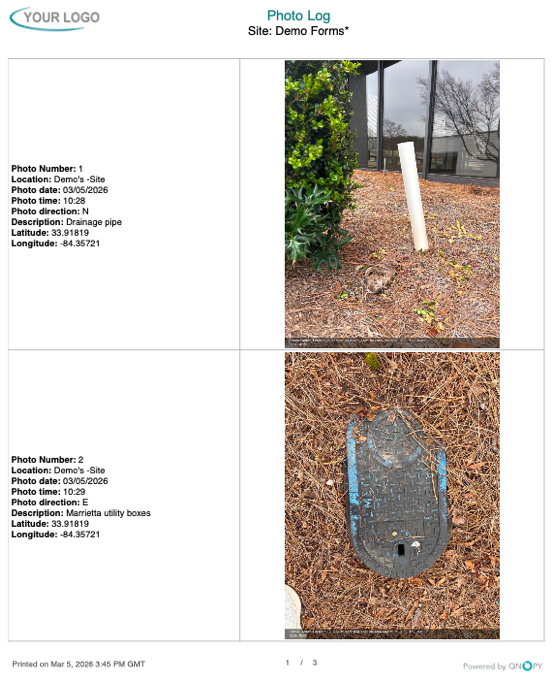
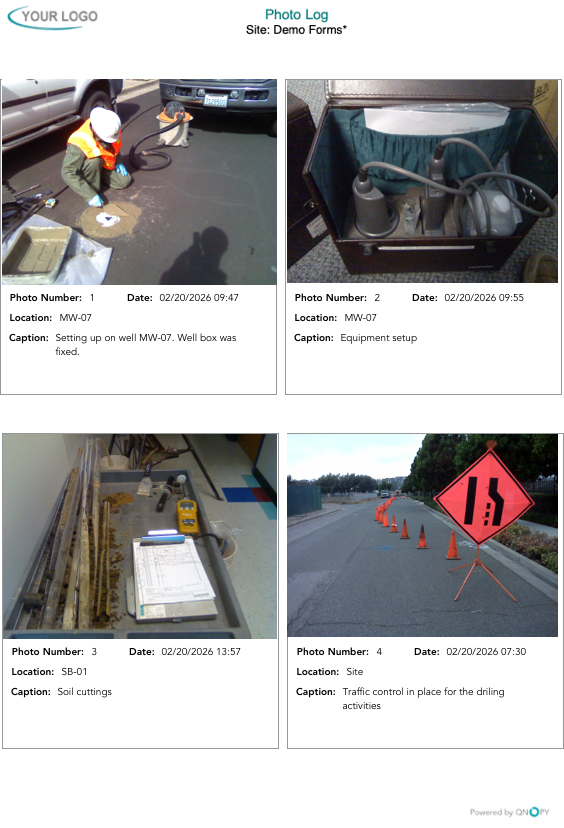
Users can export their photo logs into structured reports with configurable layouts, including:
- 2 photos per page
- 4 photos per page
- 6 photos per page
Each exported photo can include captions, timestamps, and location details, ensuring that every image retains its context.
These export formats make it simple to:
- Share progress with clients or stakeholders
- Submit documentation for compliance or inspections
- Create organized project records
- Generate visual reports of field activity
Instead of manually compiling photos into documents, QNOPY automatically generates clean, professional photo log reports that are ready to distribute.
Want to see Photo Logs in action?
Explore how QNOPY helps teams document and manage field operations with clarity and confidence.